Save hours every week
Reuse complete posts and listings instead of copying text, finding images, and filling the same forms again.
Reach more buyers. Spend less time posting.
Reach more potential buyers without spending hours copying and pasting. Prepare your posts and listings once, publish them across selected Facebook Groups and Marketplace, and manage both workflows from one Chrome extension instead of paying for separate posting tools.
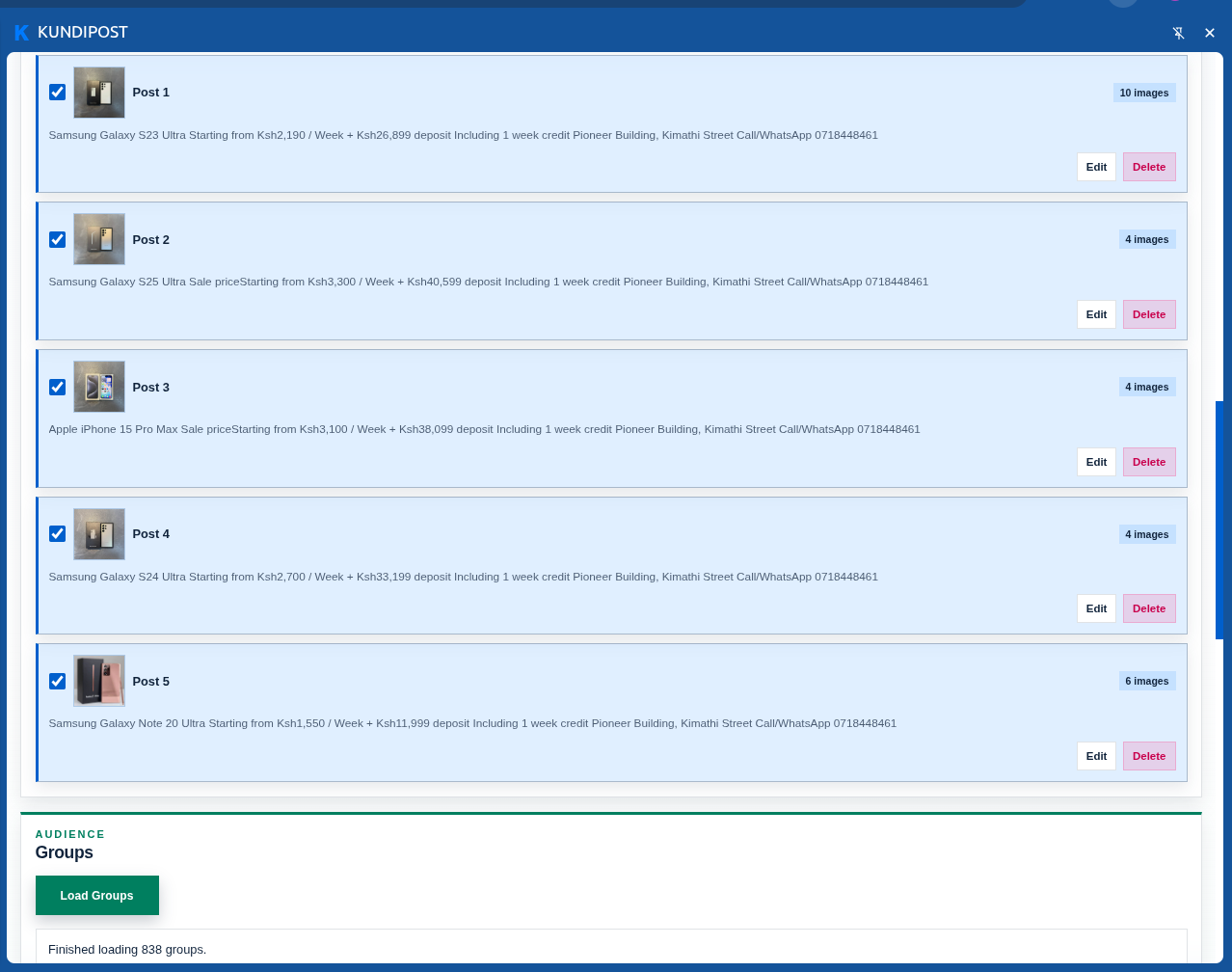
PREPARED POSTS
Work less on posting. Focus more on selling.
KundiPost removes the repetitive work between a ready-to-sell product and the people who need to see it. One extension helps you save time, control costs, and get more value from every promotion.
Reuse complete posts and listings instead of copying text, finding images, and filling the same forms again.
Put your offers in front of selected Groups and Marketplace audiences from one place.
Handle Group posts, Marketplace listings, copy rewriting, and cleanup in one extension.
More value from every promotion
Give every post and listing more opportunities to be seen while keeping the final choice of what, where, and when to publish in your hands.
Turn one prepared campaign into wider Group visibility. Keep promotions moving at a steady pace while you focus on enquiries, customers, and closing sales.
Get more Item and Car/Truck listings in front of potential buyers without repeatedly filling forms—and clear older active inventory when it is no longer useful.
Less effort between you and your buyers
Save complete promotions once so they are ready whenever you want to sell.
Select the posts, listings, Groups, and audiences that matter to your business.
Start a paced publishing run instead of manually repeating every step.
Monitor progress at a glance while you respond to leads and grow sales.
Optional Gemini rewrite
Spend less time polishing every caption. Use your own Gemini API key to refresh wording and add relevant hashtags while preserving important prices, locations, and contact details. If rewriting fails, your original copy is still used.
Clean vehicle, well maintained. Call for viewing.
Well-maintained and ready for the road. Contact us to arrange a viewing.
Reach more buyers without a large upfront cost
Facebook’s own posting limits, policies, and Group rules always continue to apply.
Daily Free limits reset at midnight in your account timezone. Only successful publications count.
Know before you install
Only the first Group post in each queue depends on Facebook’s visible composer. The first selected Group must show the English “Write something...” button. If a Buy & Sell or nonstandard Group does not show it, place a compatible Group first and restart the queue. After that first post succeeds, KundiPost can continue with the remaining selected Groups.
Marketplace publishing and cleanup are tested against the English Kenyan layout. Other regional layouts—including the US—may differ and can be assessed for customization.
Cleanup targets only visible active listings older than your selected threshold. It does not remove inactive or duplicate listings.
Straight answers
Still unsure? Reach the developer directly for setup or regional-layout questions.
Ask on WhatsApp →It combines Group and Marketplace publishing in one extension and lets you reuse prepared content. That means less copying, fewer repeated form entries, and less need for separate posting tools.
No. You choose the content, destinations, timing, and when a queue starts. Marketplace cleanup also requires your confirmation.
It works through the Facebook account already signed in to Chrome. Saved KundiPost content is connected to the Google account used to sign in to the extension.
For Groups, only the first post in each queue depends on Facebook’s visible interface and requires a Group with the English “Write something...” composer. Marketplace automation is currently tested on the English Kenyan layout. Other regional layouts may need customization.
Only successfully published posts and listings count. Saved drafts do not. Free usage resets at midnight in the timezone recorded for your account.
No. Rewriting is optional and off by default. You supply your own Gemini API key, and KundiPost uses the original copy if rewriting fails.
Make every selling hour count